November 13, 2026
UPS Zone Map 2026: How to Find Your Zone Chart by ZIP Code
UPS does not publish one national zone map, because a zone depends on where the package starts. Every origin ZIP code has its own zone chart. UPS Ground zones run from 2 (closest) to 8 (farthest) in the 48 contiguous states, and you can download your chart free on ups.com by entering your origin postal code. UPS says the ZIP codes tied to certain zones change on December 21, 2026. Checked November 13, 2026.
Quick answer: Open the UPS Daily Rates page (or Retail Rates if you ship at a UPS counter), type the postal code you ship from and select Download Chart. Look up the destination ZIP code on the chart, read the zone for your service, then find that zone in the rate table.
Sources: UPS Zones and Rates, Daily Rates and Zone Charts and Retail Rates pages; the 2026 UPS Daily Rate and Service Guide (updated September 7, 2026); UPS Ground Time-in-Transit maps; the USPS Domestic Zone Chart. Checked November 13, 2026.
What a UPS zone is
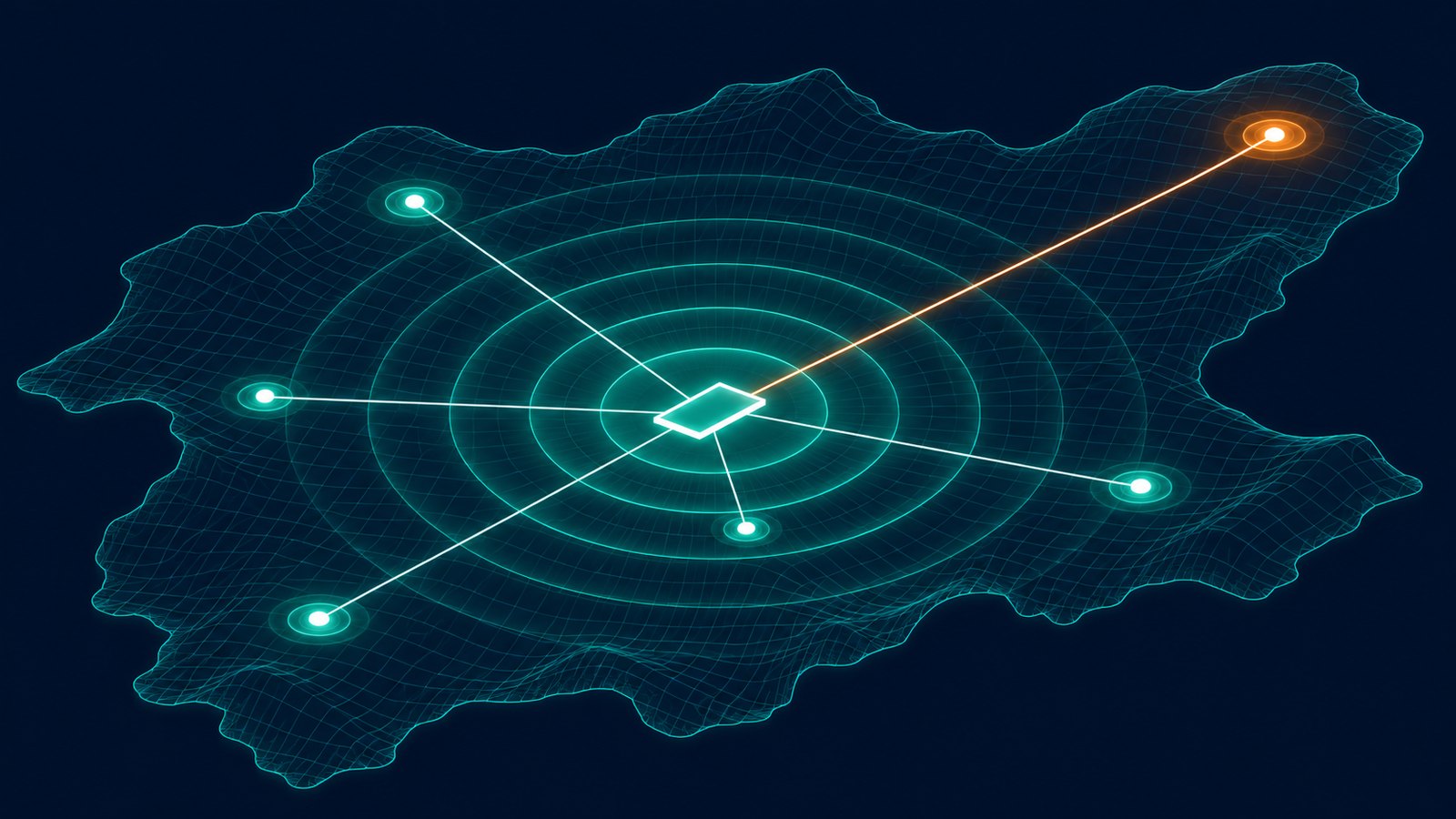
UPS defines a zone as "a destination-based geographic region that helps determine the cost of a shipment." In plain terms, it is a distance band between two ZIP codes. The same destination can be zone 2 from one warehouse and zone 8 from another, which is why there is no single map that works for everyone.
How to get your UPS zone chart
- Pick the right rate page. UPS says daily rates apply if you have a scheduled UPS pickup or a contract that gives you daily rates. Retail rates apply if you ship from a UPS retail location such as The UPS Store or a UPS Customer Center.
- Enter your origin postal code. Use the ZIP code the package ships from, not your billing address.
- Select Download Chart. The chart is free.
- Look up the destination. Find the destination ZIP code on the chart and read the zone listed for your service.
- Match the zone to the rate table. The UPS Rate and Service Guide lists a price for every weight and zone.
For a one-off package, the UPS Calculate Time and Cost tool does the lookup for you. The chart matters when you are pricing many shipments, building a shipping table for a store or checking an invoice.
UPS zone numbers by service
Each UPS service has its own set of zone numbers in the 48 contiguous states. These are the column headings in the 2026 Daily Rate and Service Guide.
| UPS service | Zone numbers (48 contiguous states) |
|---|---|
| UPS Ground | 2 to 8 |
| UPS 3 Day Select | 302 to 308 |
| UPS 2nd Day Air | 202 to 208 |
| UPS 2nd Day Air A.M. | 242 to 248 |
| UPS Next Day Air Saver | 132 to 138 |
| UPS Next Day Air | 102 to 108 |
The first digits identify the service. Read the zone for each service off your own chart instead of assuming it matches the Ground zone. The Ground table also has columns for zones 44, 45 and 46, which sit outside the 2 to 8 scale. Alaska and Hawaii have their own rate tables, and UPS points shippers to its Alaska and Hawaii rates to find zones for shipping within and from those states.
What a zone does to the price
A higher zone means a higher rate for the same box. These are the UPS Ground daily list rates for a 1 lb package from the 2026 guide, before fuel, residential and other surcharges.
| Zone | UPS Ground, 1 lb (2026 daily list rate) |
|---|---|
| Zone 2 | $11.99 |
| Zone 3 | $12.38 |
| Zone 4 | $13.51 |
| Zone 5 | $14.10 |
| Zone 6 | $14.60 |
| Zone 7 | $14.83 |
| Zone 8 | $15.03 |
At 1 lb, zone 8 costs $3.04 more than zone 2, about 25% more. Negotiated rates are lower than list, but they usually still climb with the zone. Box size matters too, because UPS bills the greater of actual and dimensional weight.
Zone chart vs the UPS transit map
Many people searching for a UPS zone map are thinking of the color map on ups.com. That is the Ground Time-in-Transit map. You enter a ship date and a 5-digit ZIP code, and it shows the number of transit days for UPS Ground. It does not show zones or prices. Use the map to quote delivery times and the zone chart to quote cost.
UPS zones change on December 21, 2026
UPS says that effective December 21, 2026, the ZIP codes aligned to certain zones will change. UPS has not posted more detail on that page, so the practical step is simple: download a fresh chart for each origin after December 21 and reload it anywhere you keep a copy, such as a shipping table in your store, a rate-shopping spreadsheet or an invoice audit. The same date brings new UPS list rates and surcharges, covered in our UPS 2027 rate increase guide.
How to use zones to cut shipping cost
- Know your zone mix. Export a month of shipments and count packages by zone. If most of your volume lands in zones 6 to 8, distance is driving your bill.
- Ship from closer to your customers. A second stocking point near your buyers turns high zones into low ones.
- Negotiate where your volume is. A discount on the zones you rarely ship to is worth little.
- Compare carriers on the same lane. Each carrier has its own chart, so the same pair of ZIP codes can price differently. See UPS vs USPS vs FedEx.
Paul's take: At a base level, it's a math problem. If you're giving away free shipping or including it, then with AI and a good fractional COO you can see what a second location is going to save you in shipping, maybe two or three bucks a package, and possibly some happier customers. But then you've got to weigh that out, especially if you have a complex catalog and need a lot of products in each place to have coverage, and if your average order has a lot of pieces. If you have a huge catalog, thousands and thousands of SKUs, and your average order is three or four items, it's going to be very hard to stock multiple locations. You're going to tie up a lot of money in inventory. Always remember the carrying costs and the cost of capital. If you're a company with one or two products that generally ship out by themselves, the multi-location calculation makes a lot more sense.
Paul D'Arrigo, D'Arrigo Consulting
Frequently Asked Questions
Does UPS have a zone map?
Not a single national one. UPS zones depend on the origin, so each origin postal code has its own zone chart. You download it on the UPS Daily Rates or Retail Rates page by entering your origin postal code. The map tool on ups.com shows UPS Ground transit days, not zones.
How do I find my UPS zone?
Go to the UPS Daily Rates or Retail Rates page, enter the postal code you ship from and download the zone chart. Then look up the destination ZIP code and read the zone for the service you are using.
How many zones does UPS have?
UPS Ground uses seven zones in the 48 contiguous states, numbered 2 through 8. Air services use three-digit zones, such as 102 to 108 for UPS Next Day Air and 202 to 208 for UPS 2nd Day Air.
Is there a UPS zone 1?
Not for UPS Ground in the 48 contiguous states. The Ground rate table in the 2026 UPS Daily Rate and Service Guide starts at zone 2.
Do UPS zones change?
Yes. UPS says the ZIP codes aligned to certain zones change effective December 21, 2026. Download a new zone chart after that date instead of reusing an old file.
Are UPS zones and USPS zones the same?
No. Each carrier keeps its own chart. USPS has a free Domestic Zone Chart tool where you look up a zone by origin and destination ZIP code, and it sets the zone from the first three digits of the destination ZIP.
Related Reading
- UPS 2027 Rate Increase: Every 2027 Surcharge and Accessorial Change
- UPS Ground Saver 2026: Rates, Delivery Time and Surcharges
- UPS 2nd Day Air Cost 2026: Rates by Weight and Zone
- UPS Next Day Air Cost 2026: Package Rates by Weight and Zone
- How to Calculate Dimensional Weight in 2026: Formula, Divisors and Examples
Need a second set of eyes on your shipping costs?
D'Arrigo Consulting audits carrier invoices and contracts for businesses that ship every day. If your shipping bill keeps climbing, get in touch.
This article is for informational purposes only. Carrier rates, surcharges and policies change frequently. Always verify current terms directly with the carrier for your specific situation. Have questions? Reach out to us.

Meet the Author
paul@darrigoconsulting.com
I’m Paul D’Arrigo. I’ve spent my career building, fixing, and scaling operations across eCommerce, fulfillment, logistics, and SaaS businesses, from early-stage companies to multi-million-dollar operators. I’ve been on both sides of growth: as a founder, an operator, and a fractional COO brought in when things get complex and execution starts to break