November 11, 2026
USPS Click-N-Ship: How It Works, What It Costs and How to Print a Label
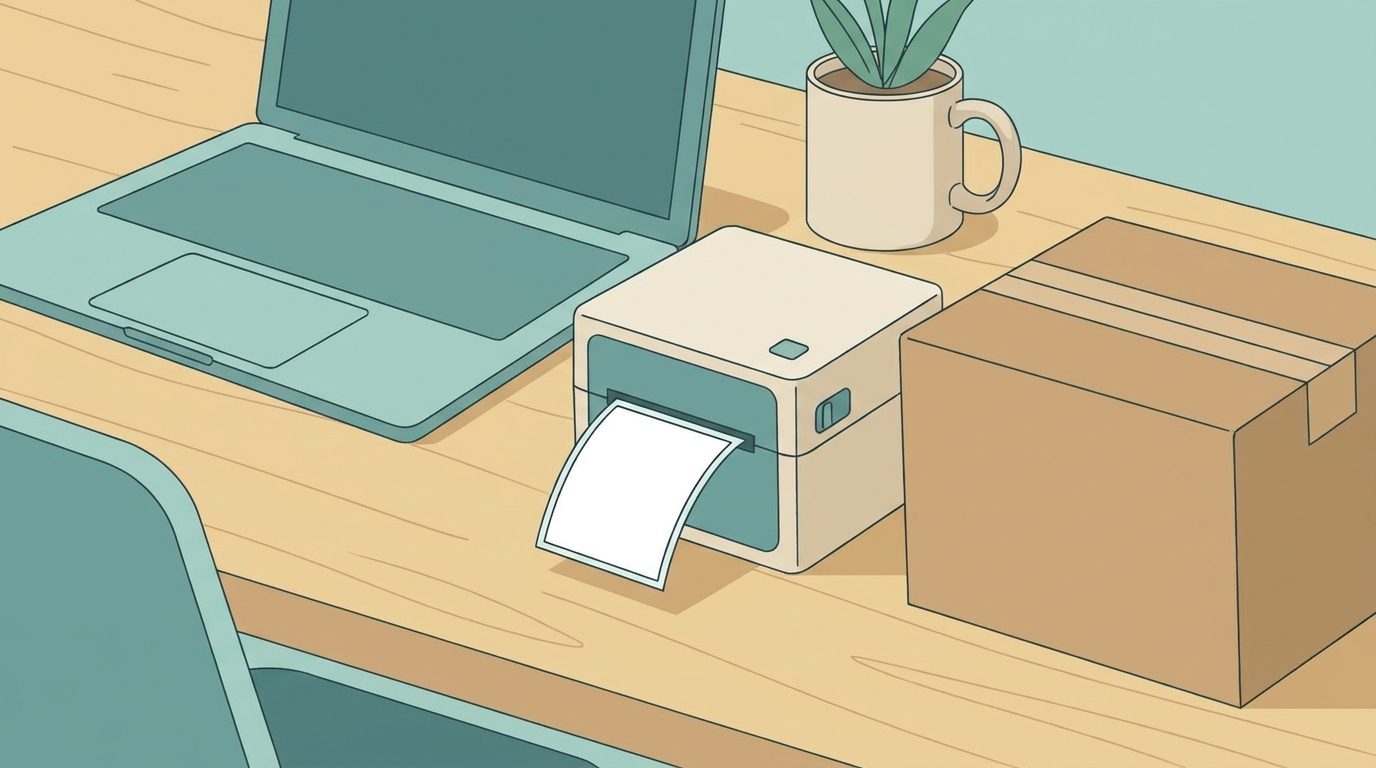
USPS Click-N-Ship is the Postal Service’s online tool for buying postage and printing shipping labels. It is free to use with a free USPS.com account. You pay only the postage, and USPS says all users automatically get discounted commercial pricing.
Quick answer: Sign in at USPS.com, enter the addresses and package details, pick USPS Ground Advantage, Priority Mail or Priority Mail Express, pay and print the label. No printer? USPS Label Broker lets you buy the postage online and have the label printed at a Post Office. You can also schedule a free package pickup.
Sources: USPS Click-N-Ship page and USPS Priority Mail page, checked November 11, 2026.
What Click-N-Ship Costs
| Item | Cost |
|---|---|
| Using Click-N-Ship | No fee. A free USPS.com account is required |
| Postage | Commercial pricing, applied automatically |
| Label Broker (label printed at a Post Office) | No fee listed |
| Label Delivery Service (USPS brings you a printed label) | $1.65 per label |
| Package Pickup | Free, with restrictions |
| Return labels | Free to print. You are charged only when a label is used |
| Shipping supplies | Free supplies can be added to your cart |
The savings come from the commercial price. On November 11, 2026, a Priority Mail Flat Rate Envelope is $13.90 at a Post Office and $11.97 at the commercial price, a difference of $1.93 per envelope. See USPS Flat Rate box prices for the full list.
Which Services You Can Ship
- USPS Ground Advantage: 2 to 5 days. See Ground Advantage pricing.
- Priority Mail: 2 to 3 days. See Priority Mail delivery time.
- Priority Mail Express: 1 to 3 days with a money-back guarantee. See Priority Mail Express prices.
Click-N-Ship does not sell stamps for letters. For those, see how much a stamp costs.
How to Create a Click-N-Ship Label
- Sign in. Use or create a free USPS.com account.
- Enter the return and delivery addresses.
- Enter the package details. Weight and dimensions, or the Flat Rate packaging you are using. Measure and weigh accurately so the postage is right.
- Choose the service. The price and expected delivery date show for each option.
- Pay.
- Print the label and attach it, or use one of the no-printer options below.
- Hand it to USPS. Schedule a free Package Pickup, give it to your carrier, or drop it at a Post Office or collection box that accepts packages.
No Printer? Two Options
- Label Broker. Buy the postage in Click-N-Ship and get a Label Broker ID. Take the ID and the package to a participating Post Office, and the label is printed there.
- Label Delivery Service. USPS delivers a printed label to you for $1.65 per label.
Features Worth Knowing
- Shipping History. Reprint a label, track it or request a refund for one you did not use.
- Ship Again. Reuse a past label’s details for a repeat shipment.
- Advanced Label Manager. Store labels before you buy them, edit several at once and create return labels.
- Shipping Preferences. Save your default return address, package settings and print options.
- Business Rate Card. Business users can sign up for discounted prices on Priority Mail, Ground Advantage and their return services.
Is Click-N-Ship Enough for a Business?
It works well for a business shipping a handful of packages a day through USPS alone. Once you ship daily volume, use more than one carrier or need labels generated from your order system, shipping software or a negotiated carrier agreement usually serves better. See postage meter vs PC postage and UPS vs USPS vs FedEx.
Paul's take: It's going to be different for everyone, so take this with that caveat. I'd say it's once you start spending more than a couple thousand a month. The key is whether you ship a very specific package. If you ship only one product in one box, you can go get a contract that's pinpoint targeted for just that, and you might be able to beat the DAP rates, the Digital Access rates you get through the online resellers. If you're a general eBay seller, or you sell a hodgepodge of random stuff, it's going to be tough to get a contract that covers that much breadth of services.
Paul D'Arrigo, D'Arrigo Consulting
Frequently Asked Questions
Is USPS Click-N-Ship free?
Yes. There is no fee to use Click-N-Ship. You need a free USPS.com account and you pay only for the postage.
Is Click-N-Ship cheaper than the Post Office?
Yes for the services it sells. USPS says all Click-N-Ship users get commercial pricing. On November 11, 2026 a Priority Mail Flat Rate Envelope is $11.97 at the commercial price and $13.90 at a Post Office.
Can I use Click-N-Ship without a printer?
Yes. With Label Broker you buy postage online and take your Label Broker ID to a Post Office, where the label is printed. USPS can also deliver a printed label to you for $1.65.
What can I ship with Click-N-Ship?
USPS Ground Advantage, Priority Mail and Priority Mail Express packages.
Can I get a refund for a Click-N-Ship label?
You can request a refund for a label from Shipping History in your account. USPS sets the conditions for approval.
Does Click-N-Ship include package pickup?
Yes. You can schedule free Package Pickup, with restrictions.
Related Reading
- How Long Does USPS Priority Mail Take? Delivery Time in 2026
- USPS Flat Rate Box and Envelope Prices 2026: Priority Mail Flat Rate Costs
- USPS Ground Advantage Pricing for Businesses: 2026 Commercial Rates
- USPS Return Label Cost: Ground Advantage and Priority Mail Returns
- Postage Meter vs PC Postage in 2026: Costs, Discounts and When a Meter Still Makes Sense
Get a free shipping invoice audit
D’Arrigo Consulting audits UPS and FedEx invoices line by line and shows which charges are errors, which are avoidable and which are worth negotiating. Request a free invoice audit.
This article is for informational purposes only. Carrier rates, surcharges and policies change frequently. Always verify current terms directly with the carrier for your specific situation. Have questions? Reach out to us.

Meet the Author
paul@darrigoconsulting.com
I’m Paul D’Arrigo. I’ve spent my career building, fixing, and scaling operations across eCommerce, fulfillment, logistics, and SaaS businesses, from early-stage companies to multi-million-dollar operators. I’ve been on both sides of growth: as a founder, an operator, and a fractional COO brought in when things get complex and execution starts to break