.png)
.png)



April 10, 2026
UPS Hold for Pickup 2026: Free at Access Points Explained
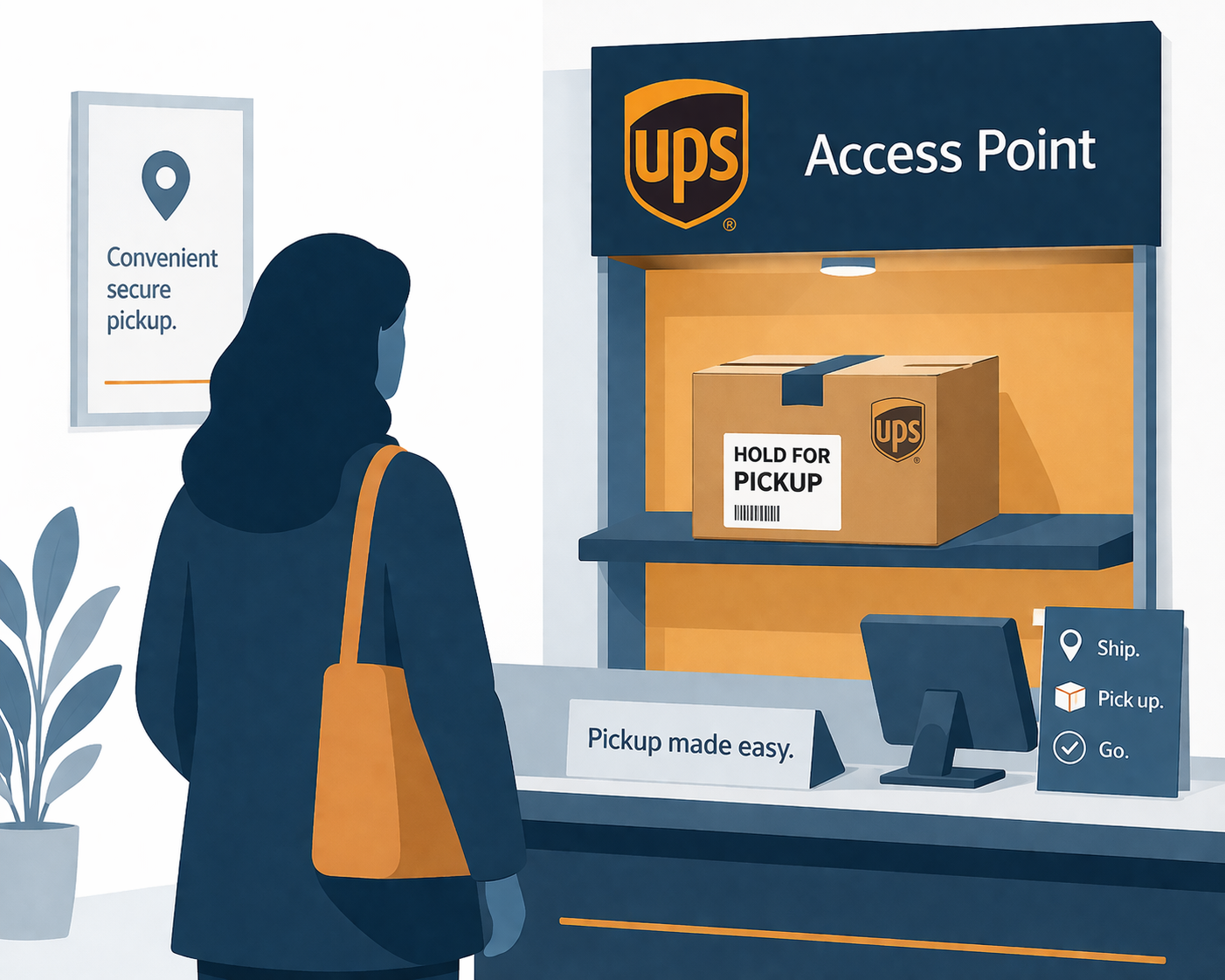
2026 UPS rate: There is no per-package “Hold for Pickup” surcharge. Shipping to a UPS Access Point or requesting Hold at a UPS Customer Center carries no additional charge; the only related fee is the optional Deliver to Addressee Only add-on at $4.90 per package.
Quick answer: UPS Hold for Pickup routes a package to a designated UPS Customer Center or UPS Access Point for in-person recipient retrieval instead of home delivery. In 2026 there is no per-package Hold for Pickup surcharge — routing to an Access Point or Customer Center is free, and only the optional Deliver to Addressee Only add-on costs $4.90 per package.
Related reading: UPS Delivery Intercept and UPS Return to Sender.
1. Introduction
In today’s on-demand world, recipients increasingly seek control over where and when they receive their packages. The traditional home delivery model doesn’t always meet these needs, especially with busy schedules or security concerns. UPS’s Hold for Pickup service addresses this demand by allowing shipments to be collected at staffed UPS Customer Centers or designated UPS Access Points rather than being left at a residence.
However, this convenience often carries a cost that puzzles many users. Sometimes the Hold for Pickup option incurs no additional charge, but at other times a per-package fee appears, or extra transport costs are added when shipments are rerouted mid-transit. Why does UPS charge for holding packages? What operational factors and business principles justify these fees?
This article unpacks the meaning, causes, and implications of the UPS Hold for Pickup charge. Drawing from operational experience in parcel logistics, it explores how these fees reflect the underlying realities of last-mile delivery systems, balancing customer flexibility with efficiency and cost control. Whether you are a shipper setting delivery options or a recipient deciding how to receive a package, understanding these charges enables smarter decisions and better expectation management.

2. What is UPS Hold for Pickup?
UPS Hold for Pickup is a delivery service alternative where the package is retained at a staffed UPS Customer Center or a participating UPS Access Point which is typically a retail location authorized to accept and hand off packages instead of being delivered directly to the recipient’s address. The package remains securely held until the recipient collects it by presenting government-issued photo identification.
The operational movement from scheduled home delivery to “hold at location” requires particular steps and conditions:
- Shipper-initiated hold: The simplest and most cost-effective scenario occurs when the shipper requests Hold for Pickup at the time the shipment is created. This request is integrated into the original routing plan, and typically no additional fees apply since the package is sent to a location from the start, eliminating last-minute changes.
- Recipient-initiated change: More complicated are cases where the recipient decides to change the delivery method after the package has shipped. Through UPS My Choice or the tracking interface, recipients can request their package be held at a UPS site instead of being delivered to their home. Because this change often requires rerouting and additional handling, it commonly triggers a per-package fee, sometimes with extra transport charges if the package must be moved to a different facility.
In practice, UPS packages eligible for Hold for Pickup show available pickup points on the delivery change screen. Not all packages qualify; size, service type, value, and origin can restrict options. When the service is selected, UPS applies defined business rules governing hold windows, pickup identification requirements, and return procedures for unclaimed shipments.
UPS Vacation Hold: Pausing Deliveries While You're Away
A vacation hold is different from Hold for Pickup. Instead of sending a package to a pickup location, UPS keeps your incoming packages and delivers them to your address after you get back. You set it up through UPS My Choice, which is free to join.
- How long: UPS says eligible packages can typically be held for up to seven days and delivered within three days of your return.
- What it covers: a vacation hold applies to all packages being sent to your address for the dates you set, not just one shipment.
- How to set it up: log in to UPS My Choice and choose the hold option under delivery management, or track a package and select Change My Delivery.
- What can block it: the shipper can restrict delivery changes, and some packages, such as those needing an adult signature, may not be eligible. If the option doesn't appear, the sender has likely restricted it.
Away longer than a week? A seven-day hold won't cover a two-week trip. The usual workarounds are to reschedule individual packages to a later delivery date where UPS allows it, ask a neighbor to receive them (an option UPS My Choice offers for some deliveries), or hold off on orders until you're home.
How long UPS holds a package at a pickup location: UPS Access Point locations, including The UPS Store, generally hold packages for up to seven calendar days, and UPS Customer Centers for up to five business days. The exact deadline for your package shows on its tracking page. After that, the package goes back to the sender.
Source: UPS, Change or Reschedule a Delivery.
Frequently Asked Questions
Can I put my UPS deliveries on hold while I'm on vacation? Yes. With a free UPS My Choice account you can place a vacation hold on packages coming to your address. UPS typically holds eligible packages for up to seven days and delivers them within three days of your return.
What is the cost of Hold for Pickup in 2026? In 2026, there is no per-package surcharge for Hold for Pickup. Shipping to a UPS Access Point or requesting hold at a UPS Customer Center is free. The optional Deliver to Addressee Only add-on costs $4.90 per package if you want the package held exclusively for the named recipient.
Can I request Hold for Pickup after I’ve already shipped? Yes. UPS My Choice (free account) or the tracking page allows you to change the delivery method to Hold for Pickup after shipment, but this post-shipment change may trigger additional fees and rerouting costs depending on the package’s current location in the network.
What ID is required to pick up a package? The recipient must present a valid government-issued photo ID (passport, driver’s license, or ID card) at the time of pickup. UPS staff will verify the ID matches the name on the shipping label.
How long will UPS hold my package? UPS Access Point locations generally hold packages for up to seven calendar days, and UPS Customer Centers for up to five business days; your tracking page shows the exact deadline. For a vacation hold at your home address, UPS My Choice typically holds eligible packages for up to seven days and delivers them within three days of your return. Unclaimed packages go back to the sender.
What happens if the recipient doesn’t pick it up? If it isn't collected within the hold period, the package is returned to the sender. Return shipping is typically charged to the original shipper unless other arrangements are made.
Does Hold for Pickup work with signature-required shipments? Yes, you can combine Hold for Pickup with signature requirements. Both apply to the same shipment, and the recipient must present ID and potentially sign upon pickup (depending on the service level).
Is Hold for Pickup available on all UPS services? Hold for Pickup is available on most UPS services, but some restrictions apply. Express Critical, certain international services, and some specialized offerings may not support the option.
Related Reading
- UPS 2026 Rate Increase: Complete Guide to Every Service and Surcharge Change
- Parcel Audit Services: How They Work & What They Recover in 2026
Related 2026 UPS fee guides
Get a free UPS invoice audit
D’arrigo Consulting helps shippers identify accessorial overcharges, dispute miscoded fees, and negotiate better UPS contracts. Request a free invoice audit to see exactly where your operation is leaking money.
Explore our UPS Invoice Audit & Freight Bill Recovery service.
This article is for informational purposes only. Carrier rates, surcharges, and policies change frequently — always verify current terms directly with the carrier for your specific situation. Have questions? Reach out to us — we’re happy to help.

Meet the Author
paul@darrigoconsulting.com
I’m Paul D’Arrigo. I’ve spent my career building, fixing, and scaling operations across eCommerce, fulfillment, logistics, and SaaS businesses, from early-stage companies to multi-million-dollar operators. I’ve been on both sides of growth: as a founder, an operator, and a fractional COO brought in when things get complex and execution starts to break

